Waiter app
Order and payment, both at the table
Moment of the day: Service
The Digigarson waiter app is an ordering app for Android and iOS devices. The waiter picks the table, enters the order and sends it to the kitchen; waiters authorised by the business also take payment at the table.
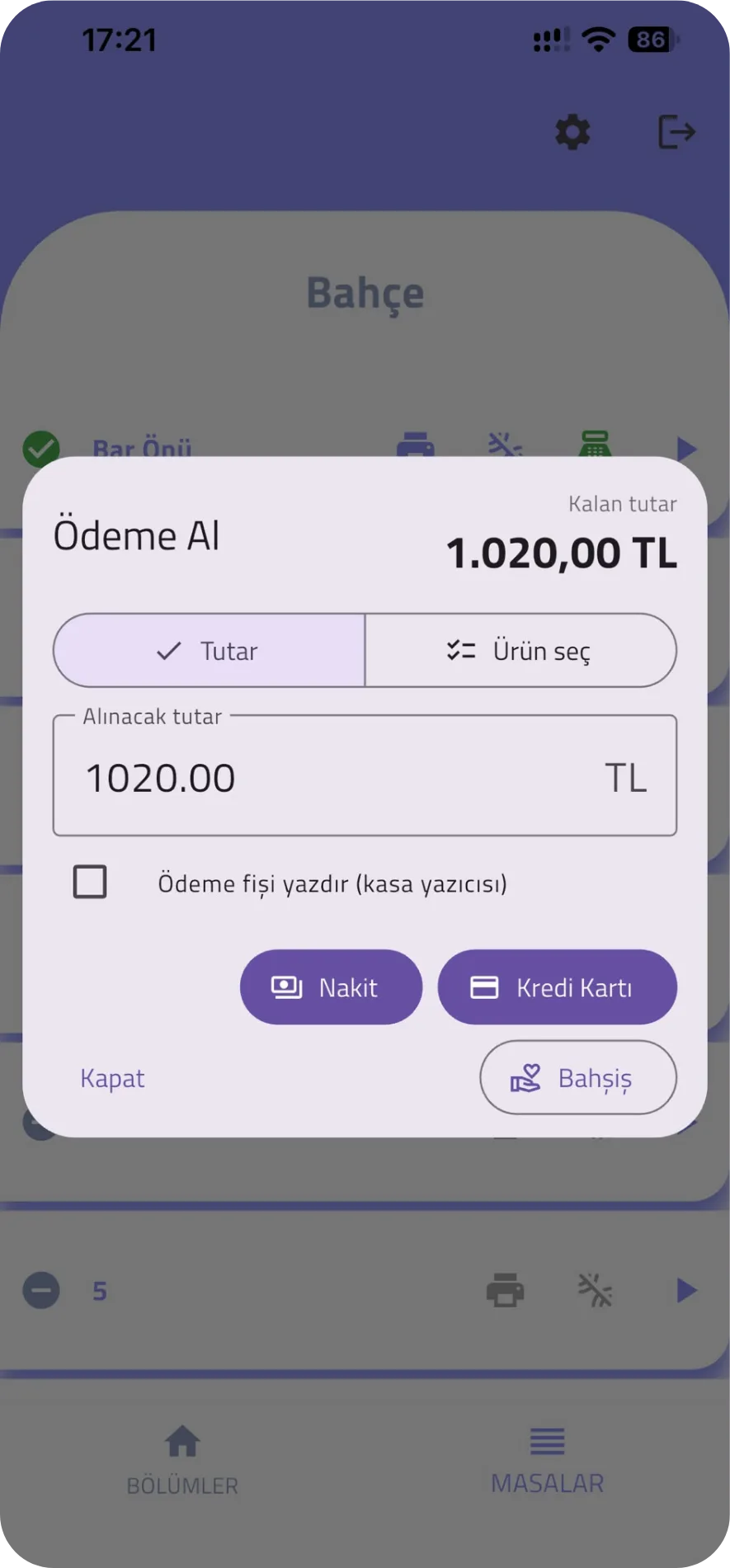
Orders without walking to the till
The waiter takes the order at the table, with no trip to the till and no paper. Product options and notes are entered on the device too.
- Choose the table
- Enter the order, product options and notes
- Send to the kitchen
Payment at the table
The business decides in the management panel which waiters may take payment at the table. The waiter enters an amount or selects items; when items are selected, the server calculates the amount, so the waiter never types a price. A payment slip can be printed.
- Payment permission is granted per waiter
- Cash, card and meal-card methods defined for the branch; house account and non-payable are not available to waiters
- A summary of waiter collections on the till status screen
More screens from the app
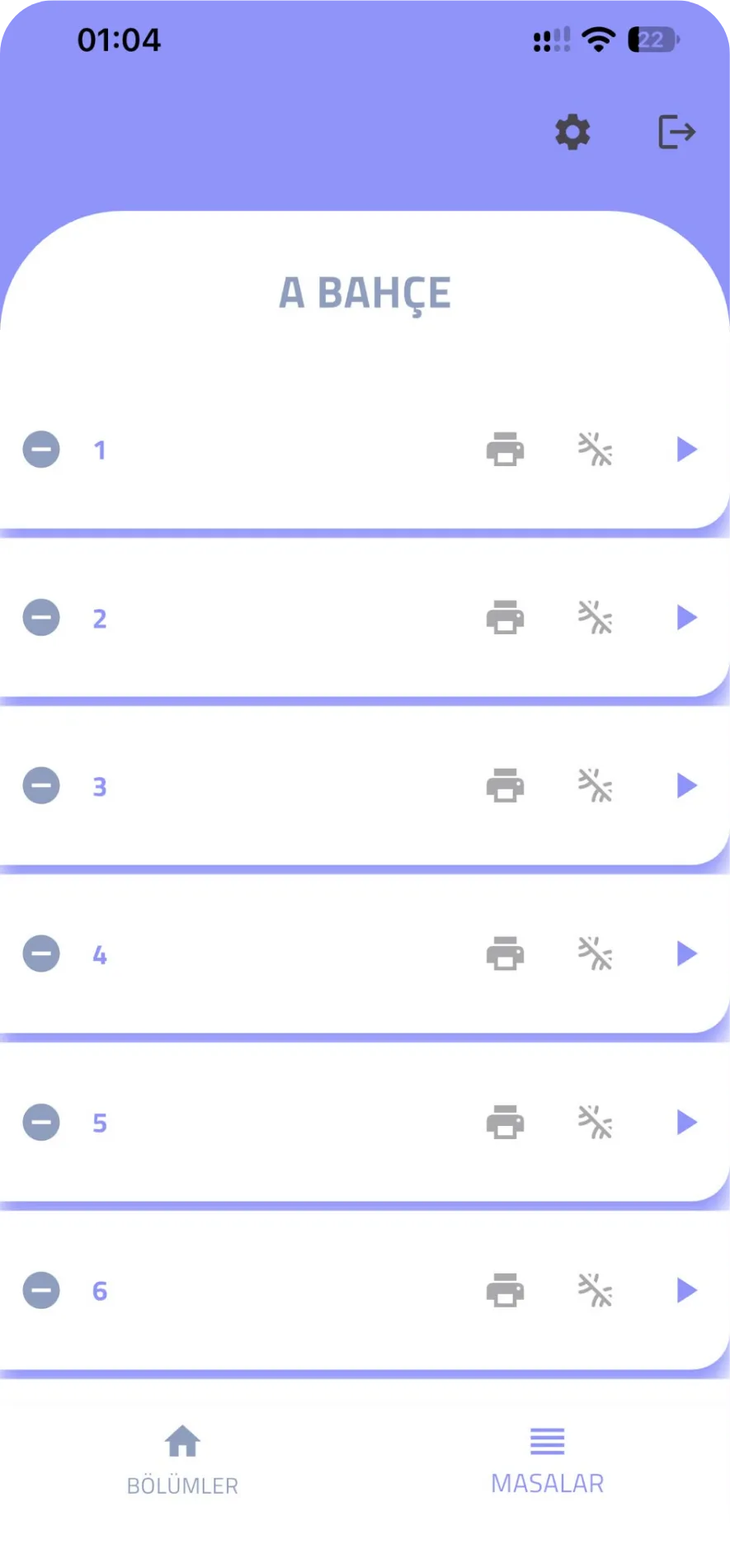
Tables in a section
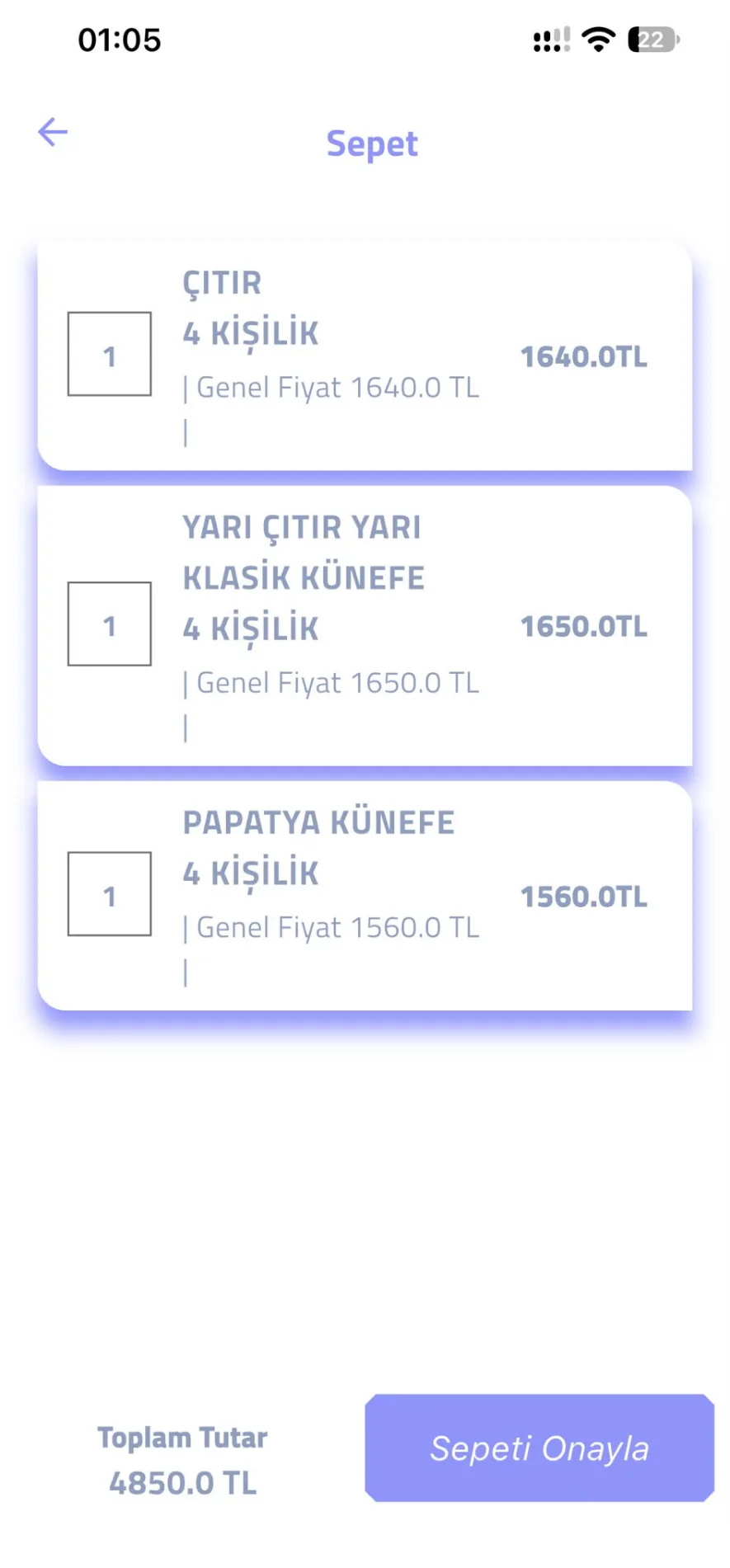
Order basket
Get the app
The waiter app is on the App Store and Google Play as "DigiGarson Waiter". After installing, sign in with your branch code.
Frequently asked questions
Which devices does the waiter app run on?
Android and iOS devices.
How does an order entered by a waiter reach the kitchen?
When it is sent, the order reaches the till and the kitchen; the kitchen ticket prints according to the till's printer setup.
Can waiters take payment at the table?
Yes. The business grants permission to selected waiters; they take cash, card or meal-card payments and the till shows waiter collections separately.
See how it works in your own venue
Let's talk about your tables, menu and printer layout and work out the right setup together. Our WhatsApp line is open 24/7.