Management panel
Menu, prices and staff in one panel
Moment of the day: Opening
The Digigarson management panel is a web panel that opens in the browser. It manages products and prices and gives staff permissions per screen and action; reports, inventory and accounting screens are here too.
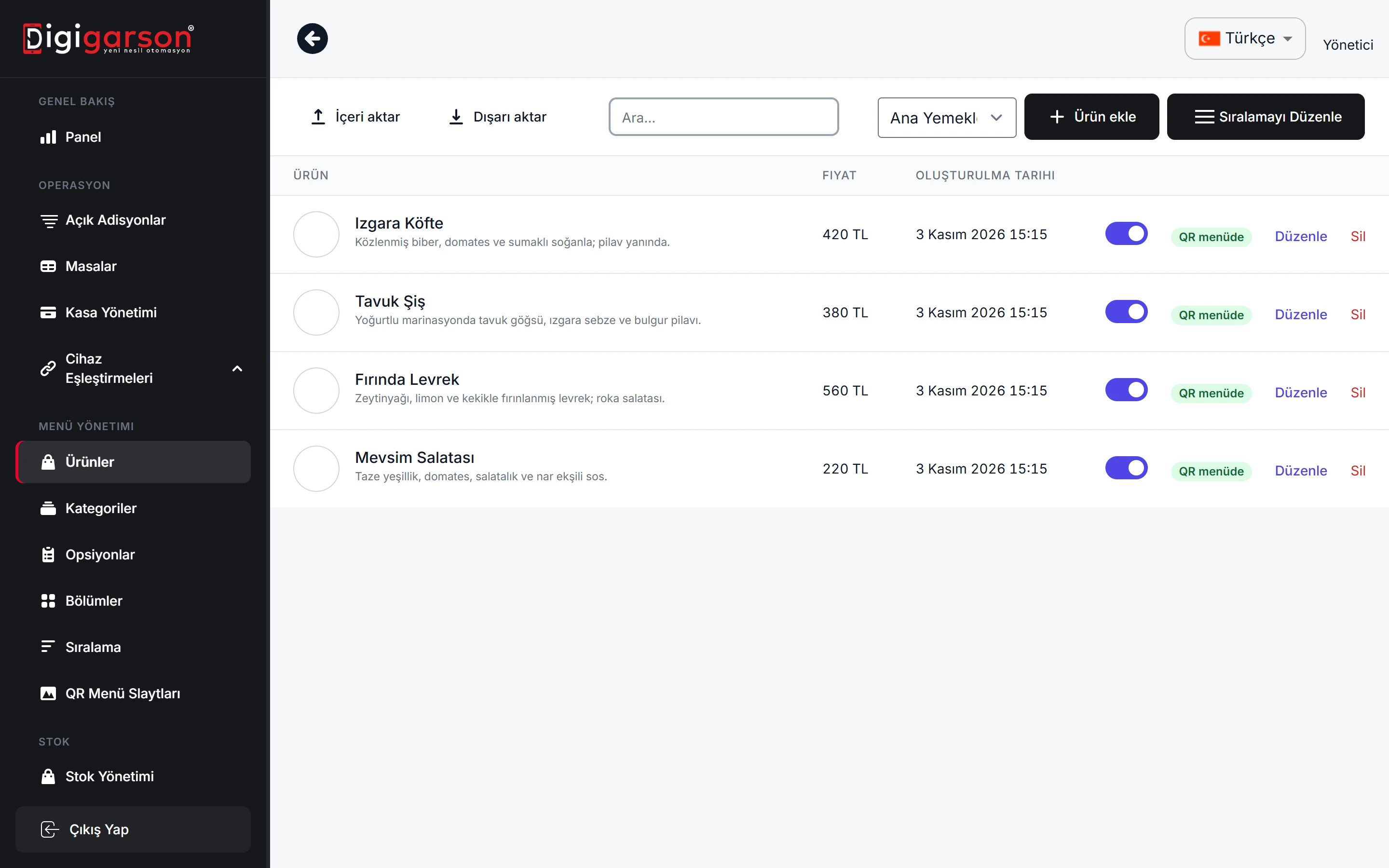
Products, categories and prices
Manage products, categories, options and prices in one place. For bulk changes, use Excel import and export.
- Product and category management
- Excel import/export
- Happy hours: automatic prices by time of day
- VAT rate per product
Staff and permission codes
A separate permission is defined for each screen and each critical action. Only authorised staff can void, discount, correct a closed check or take payment at the table as a waiter.
Reports and audit
Sales reports, collections per person, suspicious activity and staff scorecards are in the panel; details are on the Reports and audit page.
Settings for optional modules
Settings such as the reservation lock, member discount and point rates, and tip distribution are also made in the panel.
QR menu and multiple branches
QR menu intro slides are uploaded from the panel. If you have several branches, each one works separately with its own data; the till is signed in with the branch code.
Frequently asked questions
How do I access the back office?
From your browser; nothing to install.
Can I restrict staff from voiding items and giving discounts?
Yes. A separate permission is defined for each sensitive action, and every action is written to the audit log.
Can I upload products in bulk with Excel?
Yes. The product list can be imported and exported with Excel.
See how it works in your own venue
Let's talk about your tables, menu and printer layout and work out the right setup together. Our WhatsApp line is open 24/7.